How do I connect Blog2Social with my Dev.to profile?
Start by going to "Networks" within your Blog2Social Dashboard. Here, you’ll find an overview of all the networks you can connect Blog2Social with. To connect to your Dev.to profile, simply click on "Connect Profile" next to Dev.to to proceed.
A new window will open where you can enter your API key. You can find or create your key on https://dev.to/ under "Settings" -> "Extensions" -> "DEV Community API Keys".
Alternatively, you can find or create your key by clicking the following link: https://dev.to/settings/extensions
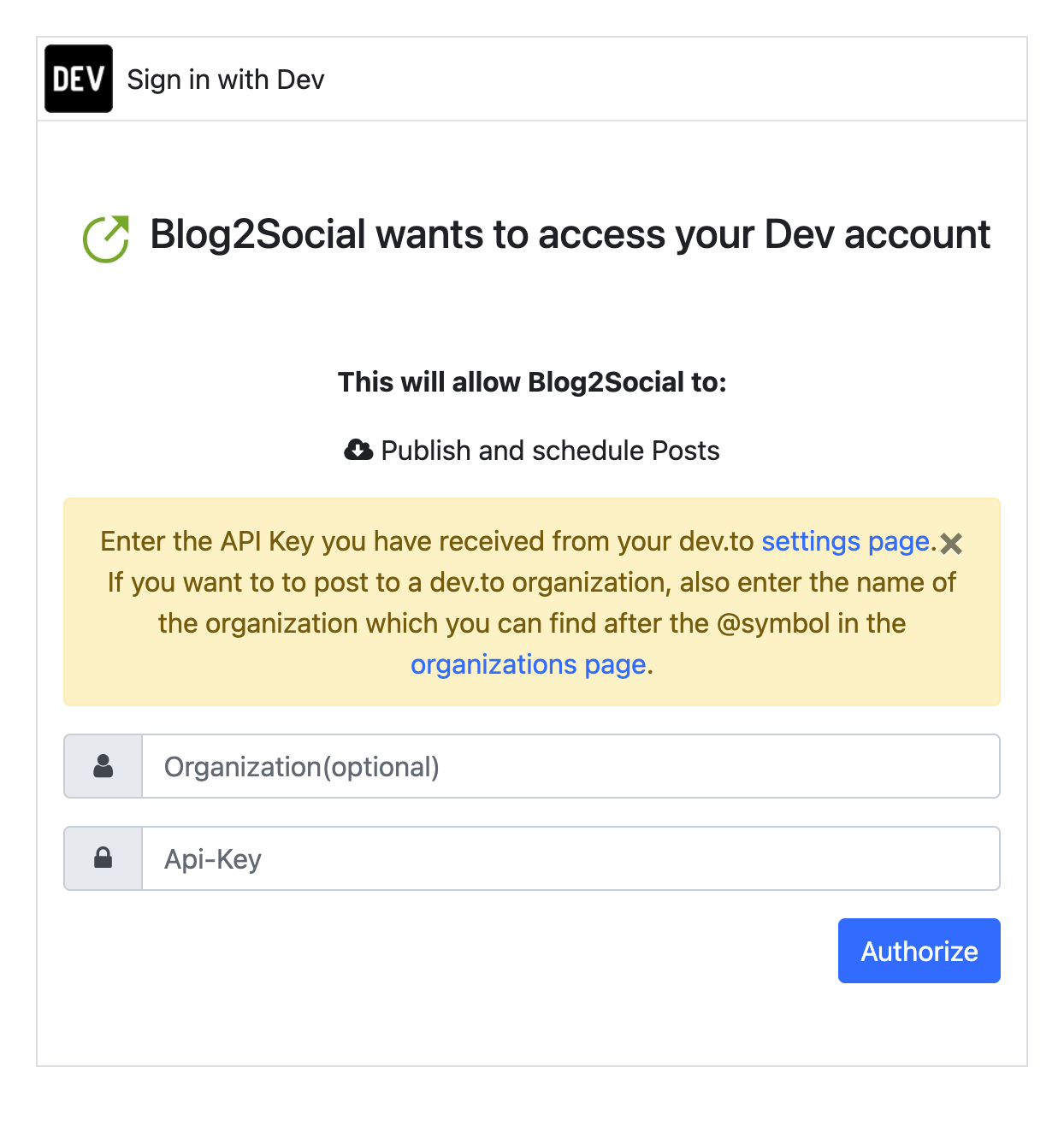
You're all set! Your Dev.to profile is authorized. Start sharing and scheduling your posts with Blog2Social now.
Other helpful guides
- How do I connect Blog2Social with my Dev.to organization?
- What is the best image size for my social media posts?
- How do I automatically re-share posts on social media?
Tags: dev.to, how to connect my dev.to profile
Most popular FAQs
System requirements for installing Blog2Social
How to auto post imported RSS feeds
How do I auto-post and auto-schedule blog posts
Solutions: Why does Instagram not publish my post/text?
How do I connect Blog2Social with Instagram?
The connection to the server failed.
How to connect and automatically post to Facebook
I cannot connect my Facebook page
How to automatically re-publish blog posts on Bloglovin’
How to share on Facebook Profiles with Facebook
How to auto post imported RSS feeds
How do I auto-post and auto-schedule blog posts
Solutions: Why does Instagram not publish my post/text?
How do I connect Blog2Social with Instagram?
The connection to the server failed.
How to connect and automatically post to Facebook
I cannot connect my Facebook page
How to automatically re-publish blog posts on Bloglovin’
How to share on Facebook Profiles with Facebook